|
|
|
|
|
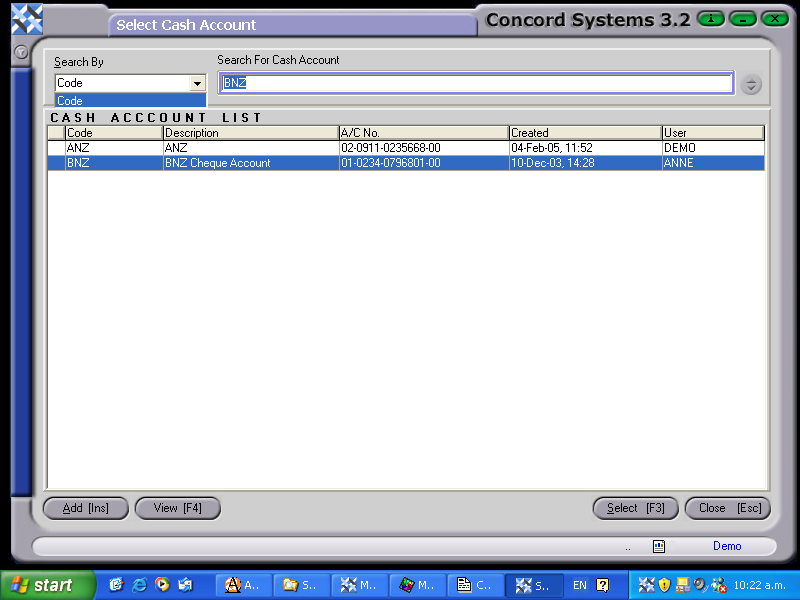
Entering <CAL> will provide a list of an organisation's Bank Accounts. To view their details:
On the original Bank Account List, an account preceded by an exclamation mark (!), indicates that the account has not been set up correctly. By selecting View [F4], the <CAM> set up screen will reappear. Edit [F2] as required.
By clicking on the Add [INS] button under the <CAL> screen, the <CAM> function will appear. Refer to the chapter 'Cash Account Maintenance' for procedure details.