Editing a Deal Order
Deal Orders may only be edited if they are in a 'Planned' state.
The procedure for editing a Deal Order is as follows:
- Select Customer, using the same procedure as for Adding a new Deal Invoice.
- Once the customer has been selected, click on the "Select" button. The list of planned deal orders will appear.
- Click to highlight the order to be selected, then Select [F3].
- View [F4].
- Click on any data required to be changed and Edit as necessary.
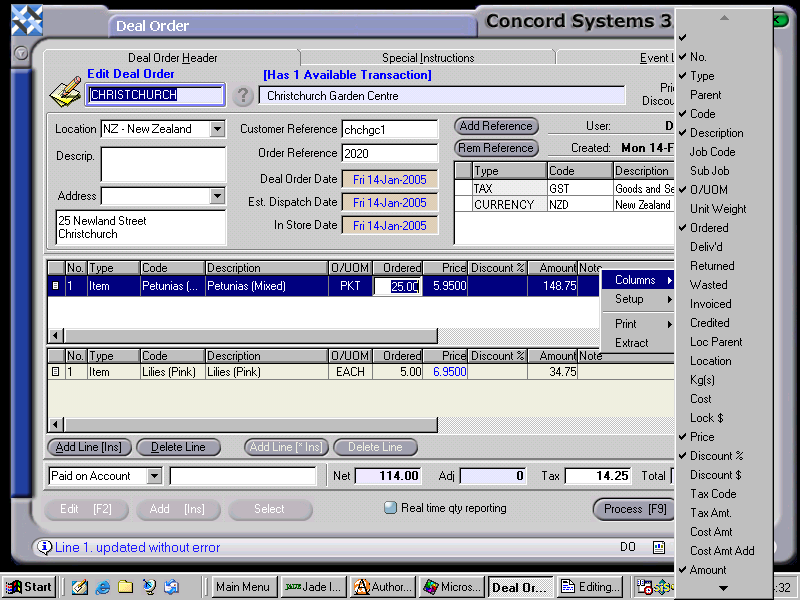
6. Process [F9], choosing from the same options as detailed in the section "Entering a new Deal Order" within this chapter.


