Previous Topic

Next Topic

Book Contents

Book Index

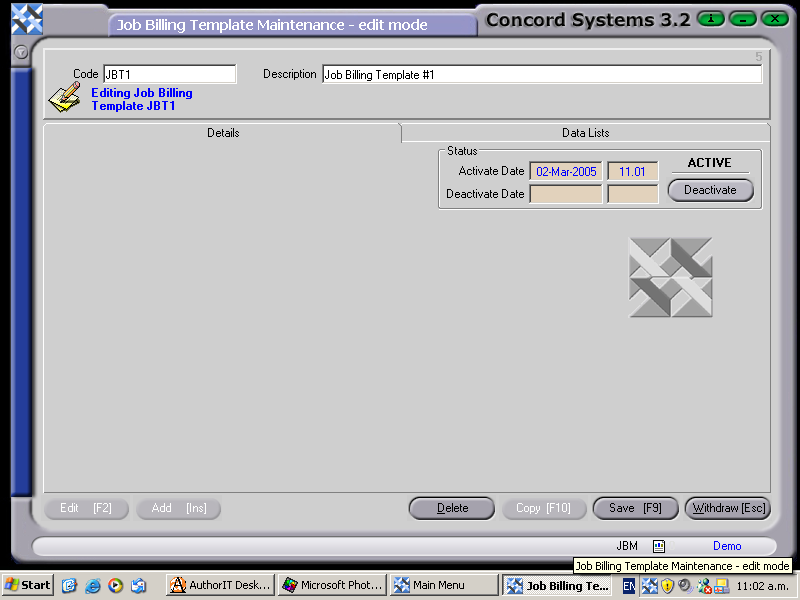
Creating a new Job Billing Template.

The procedure for creating a new Job Billing Template is as follows:

  1. Add [INS]
  2. Code. Enter the reference number of the new template.
  3. Description. This must be entered.
  4. Save [F9].
  5. Ensure that the new Template is set to ACTIVE.

Line Details can be added once the Template is created. Refer to the Chapter "Job Billing Template Line Maintenance <JBLM>

CS Screenshot - linked

See Also

Job Billing Template Maintenance <JBM>