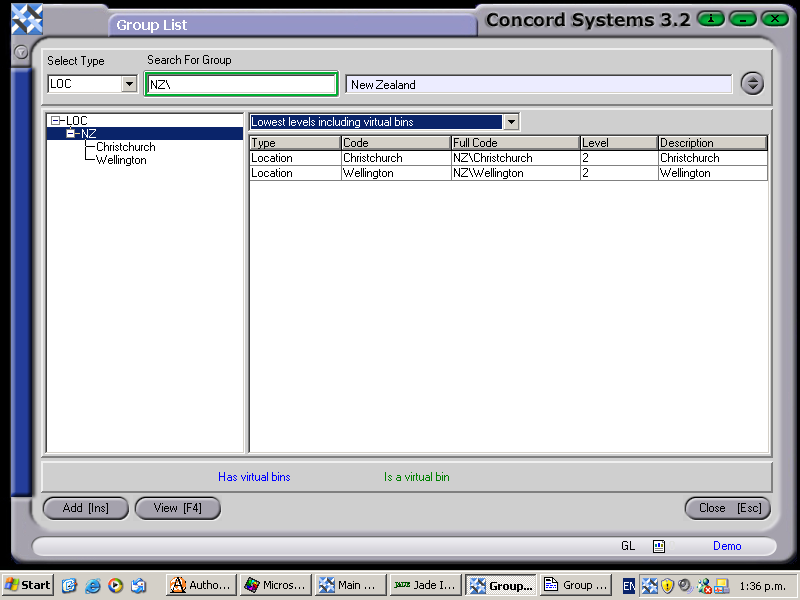
To view a Group or components of a Group from the Group List, the procedure is as follows:
Select Type by clicking on the down arrow button and click to highlight and select. Or, type in the Group in the 'Search for Group' box. The Group will be displayed.
Select a component of the Group by clicking to highlight, and View [F4].
The Group Maintenance <GM> screen is now available for editing if required. Refer to the procedures set out in the chapter on Group Maintenance <GM>.