


|
|
|
|
|
If an Item UOM has an incorrect conversion rate attached to it, provided that UOM has not been used in any transactions, the conversion rate can be easily edited as follows :-
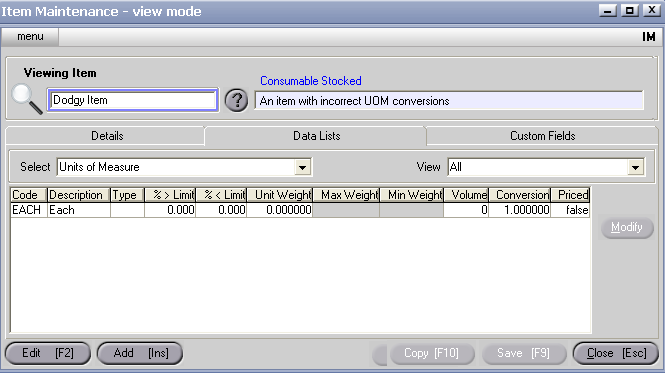
If the incorrect UOM has been used in transactions, you may need to 'merge out' the incorrect UOM before creating a new one with the correct details.