


|
|
|
|
|
Open the Group Maintenance Screen <GM>, and select the IMMARKUP Group Type
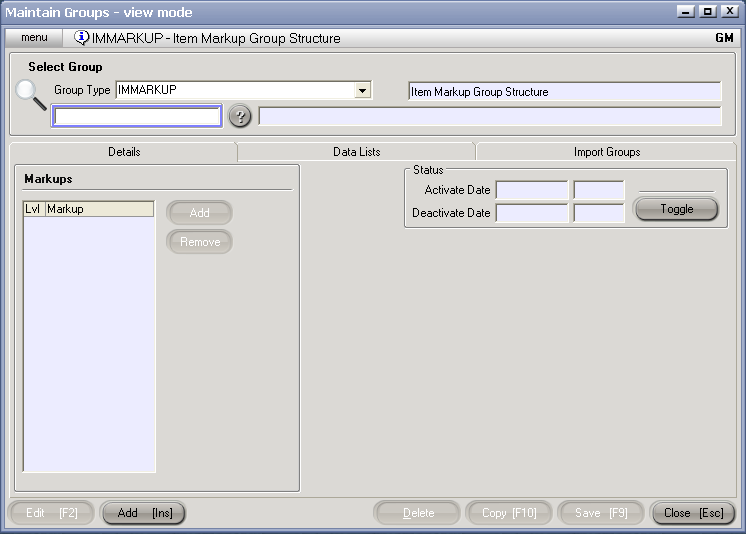
Click on the ? Icon to display a list of IMMARKUP Groups, select the appropriate group, and hit Edit [F2].
If there are no groups to display - hit Add[Ins] to create a new one.
Enter a Code and a description for the Group.
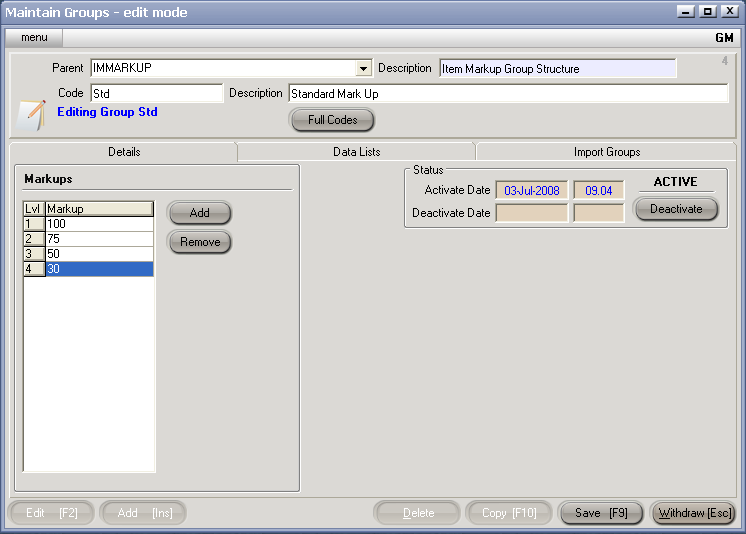
MarkUp levels can can be added and removed as necessary:
Hit Save[F9] to save changes to your IMMARKUP Group