Previous Topic

Next Topic

Book Contents

Book Index

Run the Price Markup Utility

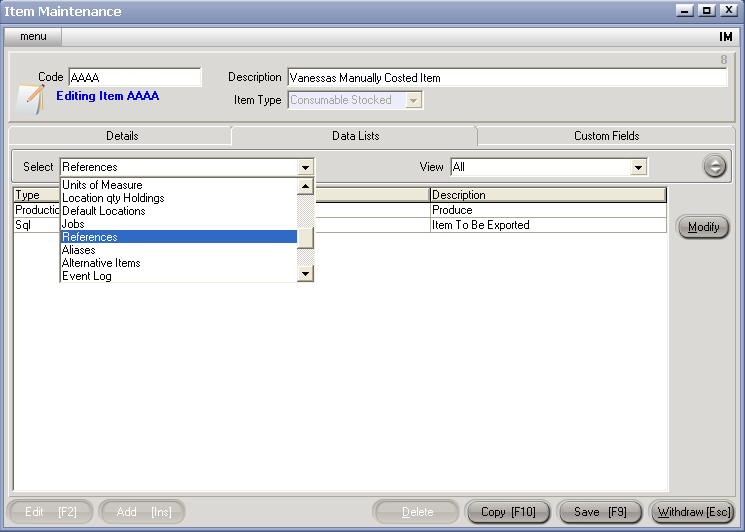
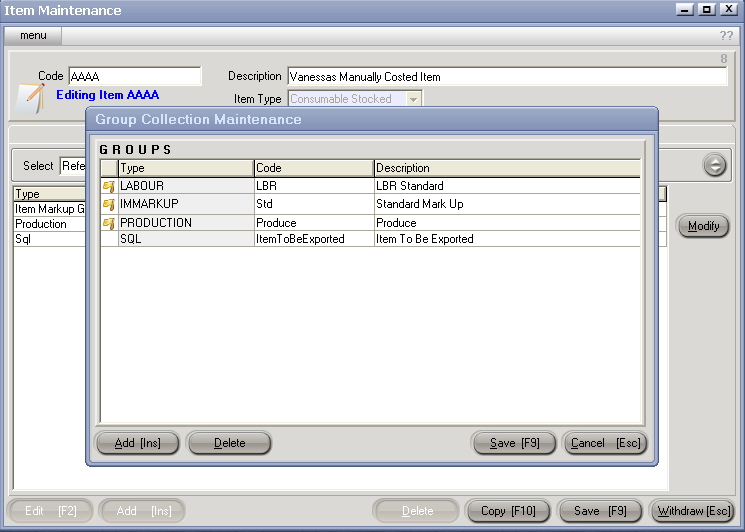
Once the IMMARKUP Group rules have been set up and that Group has been added to Items, the final step is to run Price Markup Utility <PMU>.

  1. Select a Planned PMU to edit, and hit Edit [F2]

    or

  2. Create a new PMU (see Create a Header).
  3. Enter (or edit existing) reference for your information.
  4. Select which Cost the MarkUp should be based on (Average, Standard, Last Cost).
  5. Enter which Sell Price Levels should be included in the Markup.

    Note: If the IMMARKUP Group does not have rules for all the Sell Prices you select, only those included on the IMMARKUP will be affected
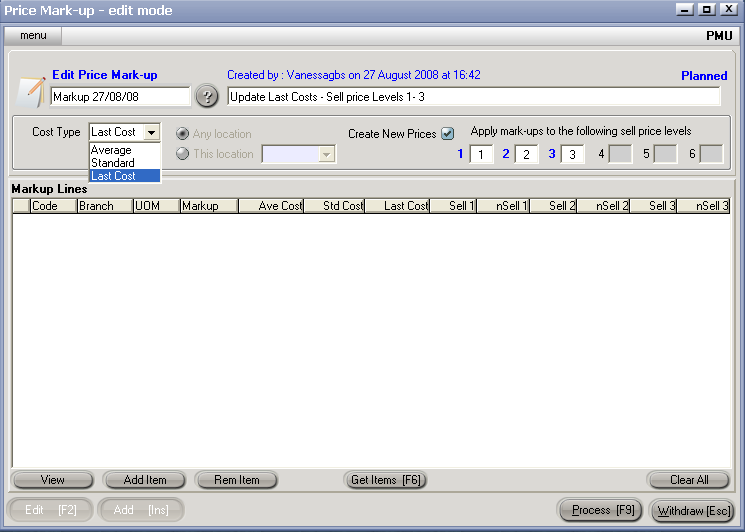
    CS Screenshot - linked

  6. Select Items for MarkUp (see Select Items For PMU)

    Note: Items must have the IMMARKUP Group attached (see Add IMMARKUP Group To Items ).

See Also

Item Price Markup Utility <PMU>

Setup of the IMMARKUP Group

Add the IMMARKUP Group to Items

Select Items for Markup