Adding a Contract Price for an Item
To add a Contract Price for an item, the procedure is as follows:
- Select a customer, either by
- Entering the customer name
- Use the [up/down arrow keys]
- Click on the ? button and Select [F3] accordingly.
- Edit [F2]
- Add [INS]
- Select the Item by typing in the Item Code, or using the [up/down arrow keys + shift key] to select.
- Click on the Price box and enter the Contract Price. (A customer may have contract prices for several differenct products).
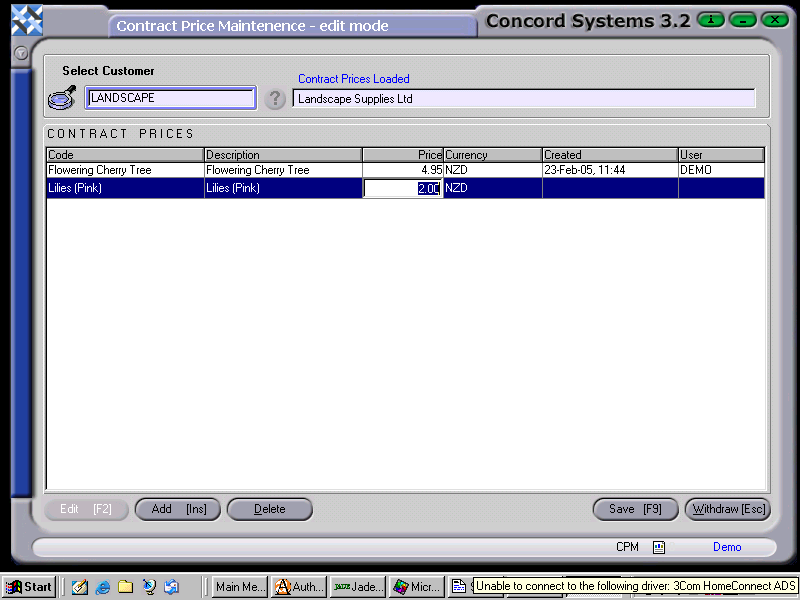
- Save [F9].
- Close [Esc].
Any errors can be deleted by clicking on the Delete button.


