


|
|
|
|
|
Information relating to a General Ledger Account able to be viewed and in some cases edited, is as follows:
Select the General Ledger Account by entering in the account code, or clicking the ? button. The General Ledger Account List will appear. Click to highlight on the appropriate account and Select [F3].
Click on the 'Data Lists' header. Use the down arrow in the 'Select' box to choose a section:
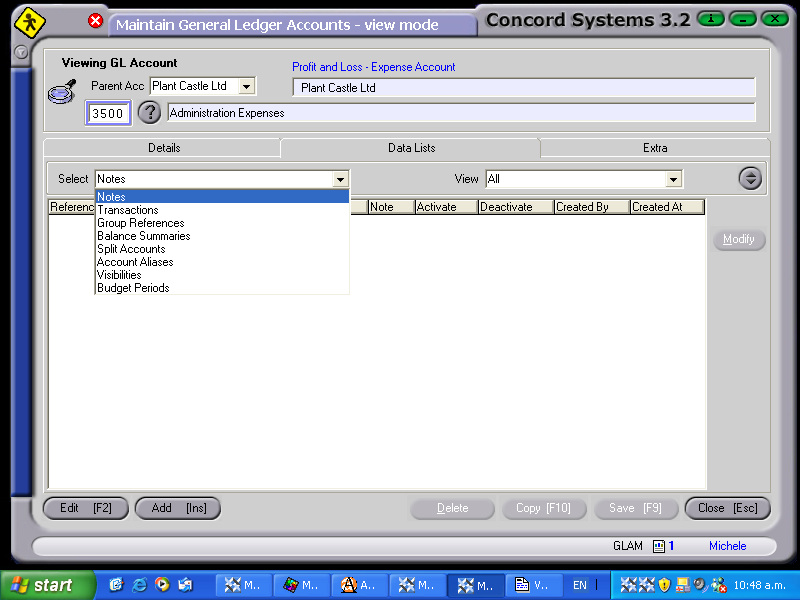
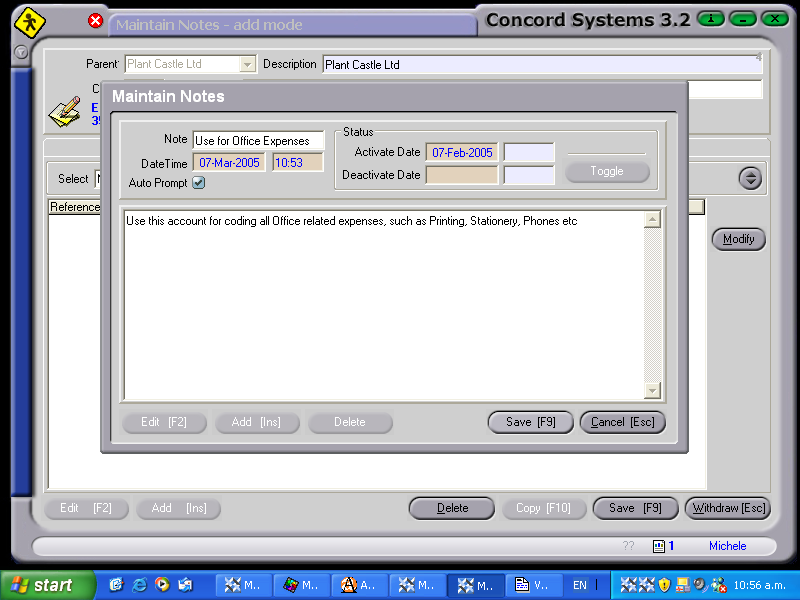
Notes
This is the ability to View an existing note, or add a note as follows:
Transactions
View the transactions relating to the account number as follows:
Group References
Existing Group References such as General Ledger Account Type and Currency may be edited. However, they may not be deleted, or additional ones entered.
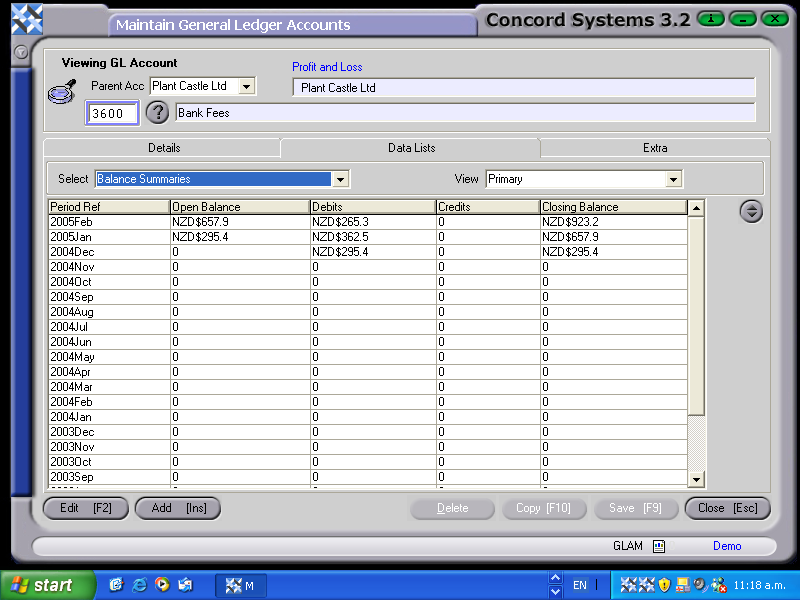
Balance Summaries
The Opening Balance, Closing Balance and Debits and Credits of an account can be viewed on a month by month basis, with the closing balance total accumulating.
Split Accounts
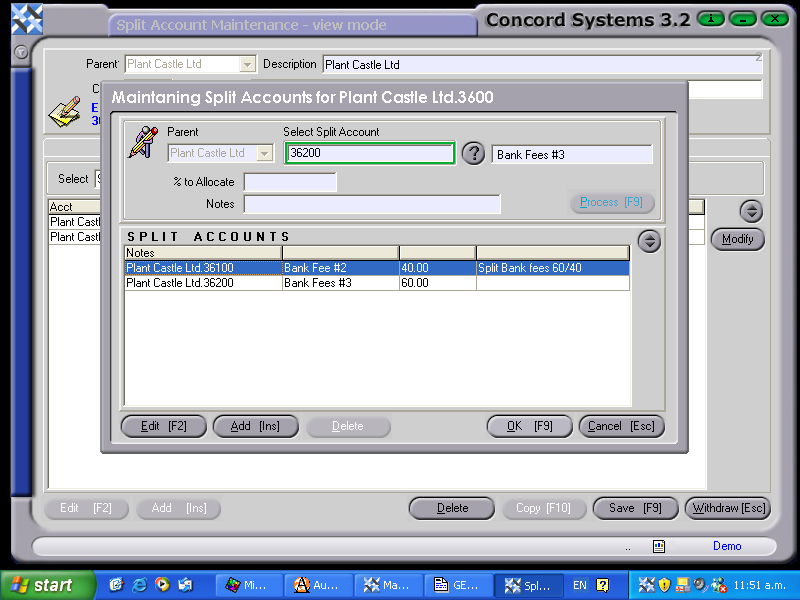
A Split account is an account that has been set up to automatically put a percentage value(s) to other accounts. For example, rent shared between two departments 60%/40%. The rent expense is coded to an account that has two split accounts defined.
To create a split account,
Ensure that the percentages add to 100% before ending.
Account Aliases
An account alias is where the account is known by more than one description.
To enter a new alias,
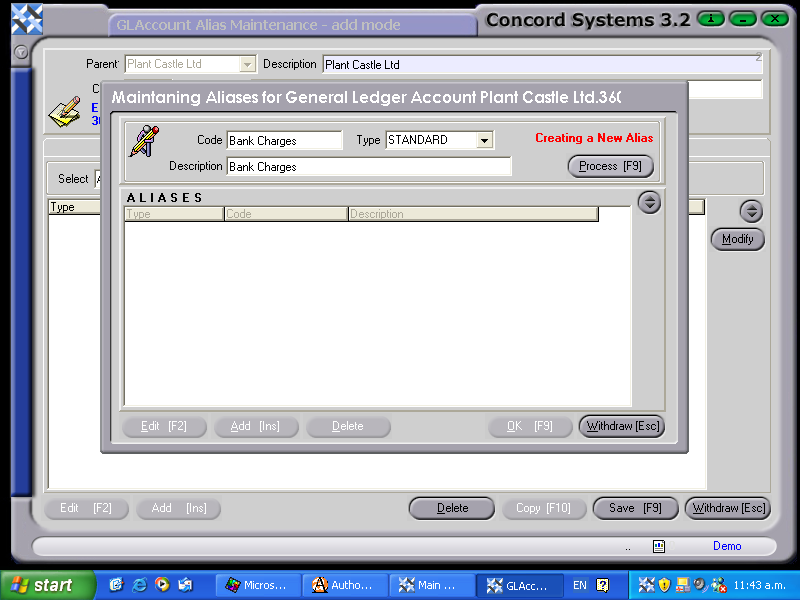
To edit an existing alias,
Visibilities
This is a new security feature, yet to be implemented.
Budget Periods
If a budget has been created for an account, the details of the budget will be displayed.