Editing an existing General Ledger Profile
The procedure for editing an existing General Ledger Profile is as follows:
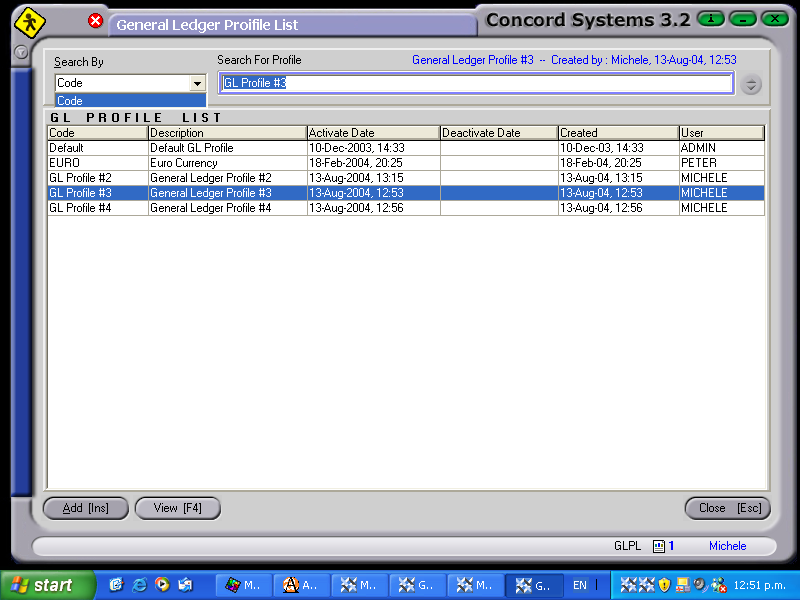
- Click on the ? button to the right of the "Select GL Profile" box.
- Click to highlight on the code line required and Select [F3].
- Edit [F2] (or Delete) and change as required.
- Save [F9]
NB. By selecting Delete, the entire Profile will be deleted.


