


|
|
|
|
|
There are two ways to change settings or options within a screen function.
Eg. Altering the ‘Sales Reps’ options for processing a Sales Quote.
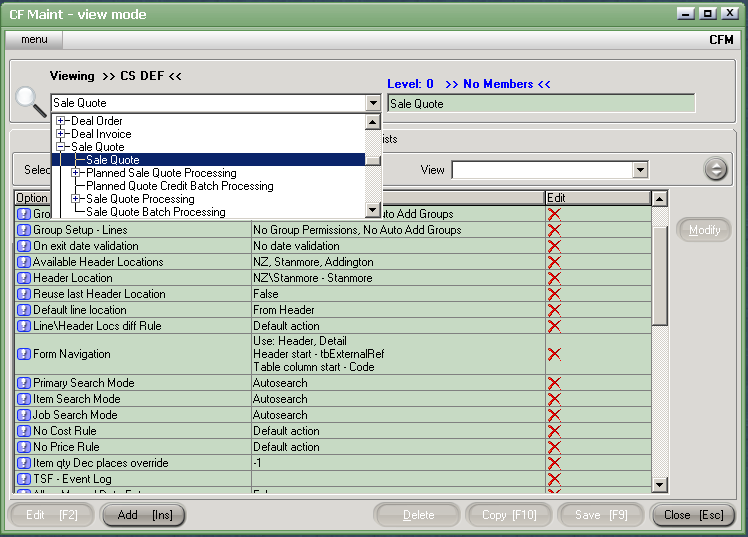
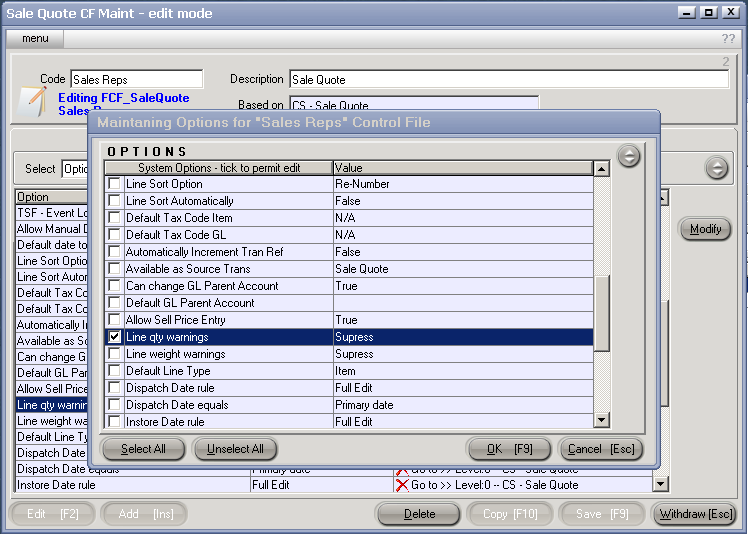
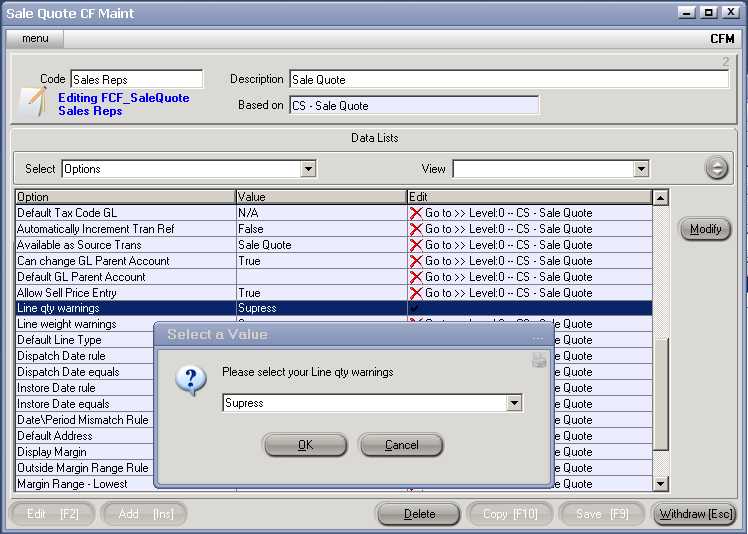
The shaded options represent all other settings that are not unique to the Control File ‘Sales Reps’ – but are based on the whole Acme Company settings.
2. Changing Control File options when using another function.
This option is useful when the User, Joe Smith is already within a screen (ie. Sales Quotes <SQ>), and wishes to alter a setting to make it particularly unique to him.
The <CFM> screen can be entered directly by using the keys [Control + Shift F] together.
The options are then selected as in Note 1.