The procedure for completing a receipt allocation is as follows:
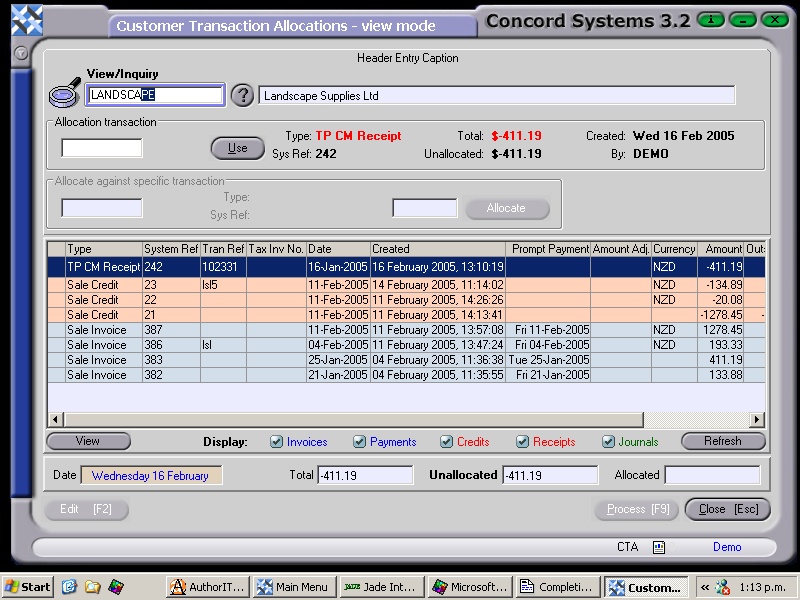
Select a customer, by either entering the name, clicking on the ? button and selecting, or clicking on 'customer' and use the [up/down arrow keys]. A list will appear of the confirmed and completed transactions for that customer.
Receipts and Credits are shaded in red, and Invoices in blue.
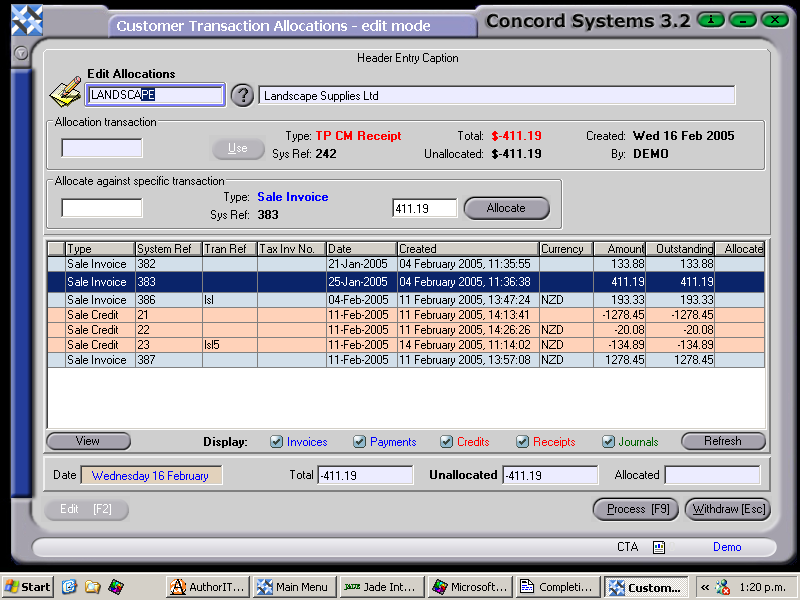
Click on the receipt to be allocated, then click on the box labelled 'USE'.
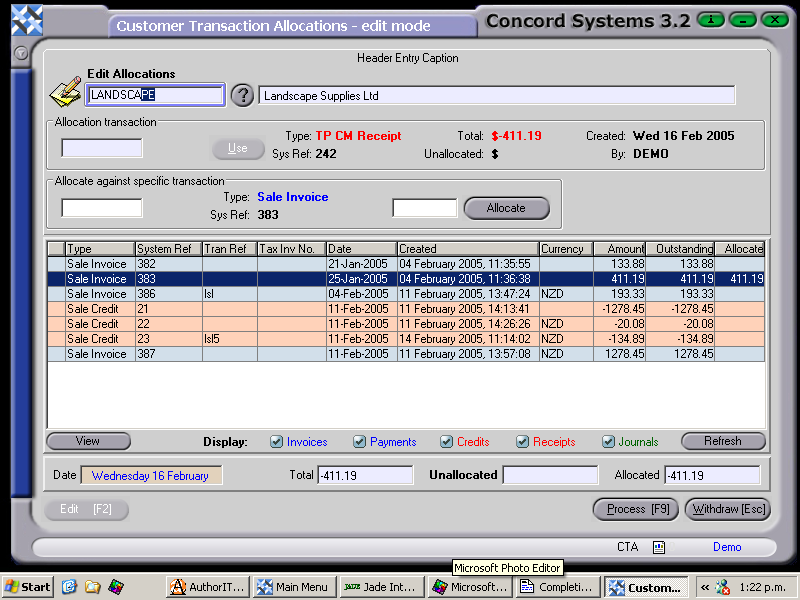
Click on the Sales Invoice line to be allocated against the receipt. This amount will appear in the box next to the word "ALLOCATE". If there is more than one invoice being allocated, repeat this step until the "Unallocated" box is displaying zero.
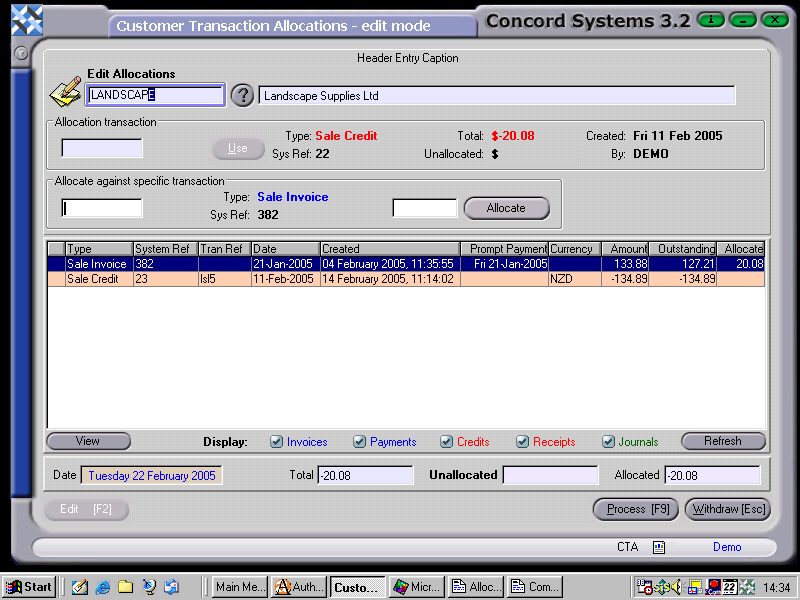
When the "Unallocated" box near the bottom of the screen is zero, the allocation is ready for processing.
5. [F9] Process, and select from the following options:
Process. The allocation will be processed as confirmed and completed and will be unable to be edited. The transactions involved will be removed from the available list.