|
|
|
|
|


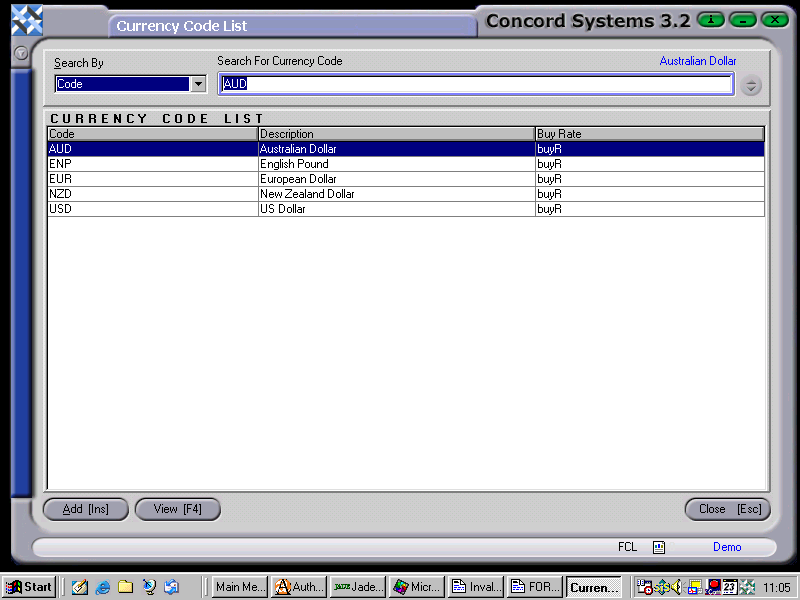
Foreign Currency List <FCL>
This function is used to view a list of Foreign Exchange Currency Codes which have been entered through the Foreign Exchange Maintenance <FCM> function.
There is also a shortcut to the <FCM> function to enter a new Foreign Exchange currency, or edit an existing one.
To view an existing Foreign Exchange Currency Code
- Select the correct currency by entering the code in the "Search for Currency Code" box, or clicking to highlight on the appropriate currency.
- View [F4].
- The function Foreign Exchange Maintenance <FCM> will appear and details of the currency code are available to view.
To enter a new Foreign Exchange Currency Code
- Click on Add [INS], then refer to the chapter on Foreign Exchange Maintenance <FCM> for details of this procedure.