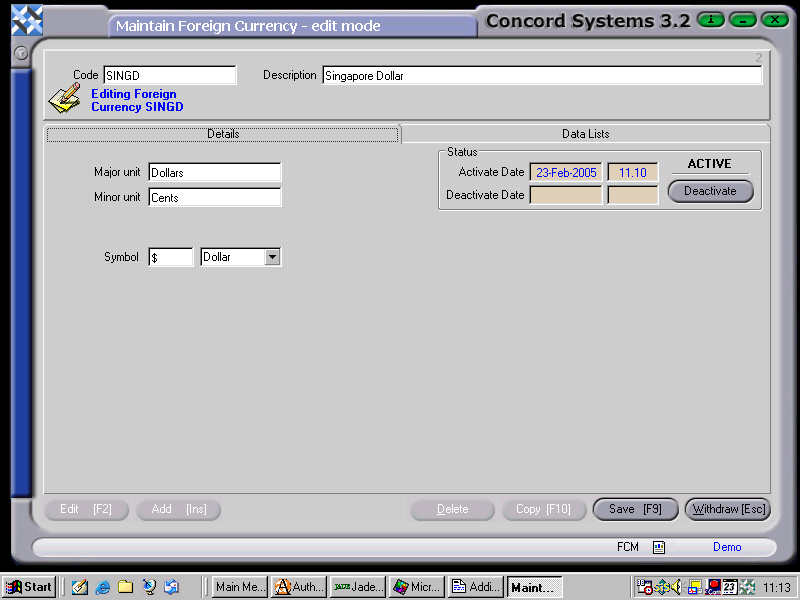
Adding new Foreign Currency details
The procedure for adding a new Foreign Currency into Concord is as follows:
- Add [INS]
- Code. Enter in the currency code. ie. a short description.
- Description. Enter the full description of the currency.
- Save [F9].
- Major Unit/Minor Unit. Enter if required, eg. Dollars and cents.
- Symbol. Enter the recognised symbol for the currency.
- Ensure the currency is set to 'ACTIVE'.
- Save [F9].