Editing Foreign Currency details
The procedure for editing existing foreign currency details is as follows:
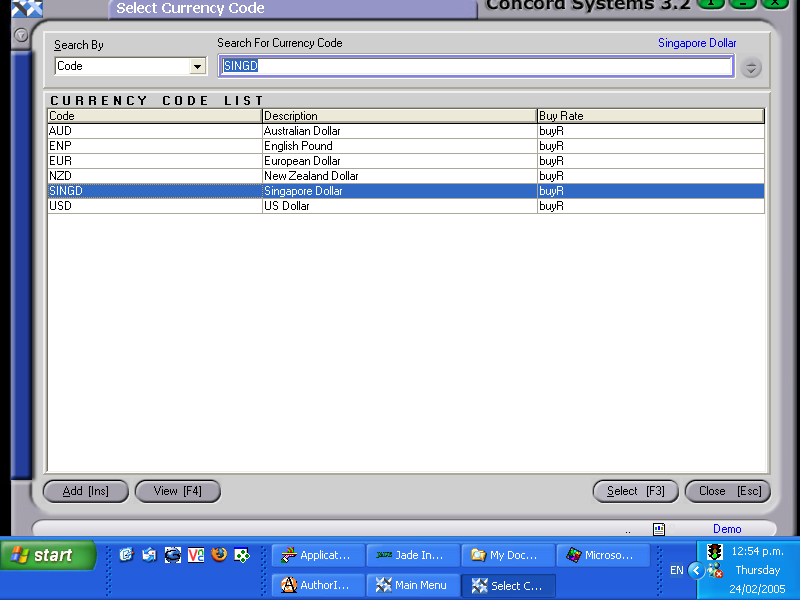
- Select the foreign currency to be edited by clicking on the ?, click to highlight and Select [F3].
- Edit [F2].
- Change details as required.
- Save [F9].


