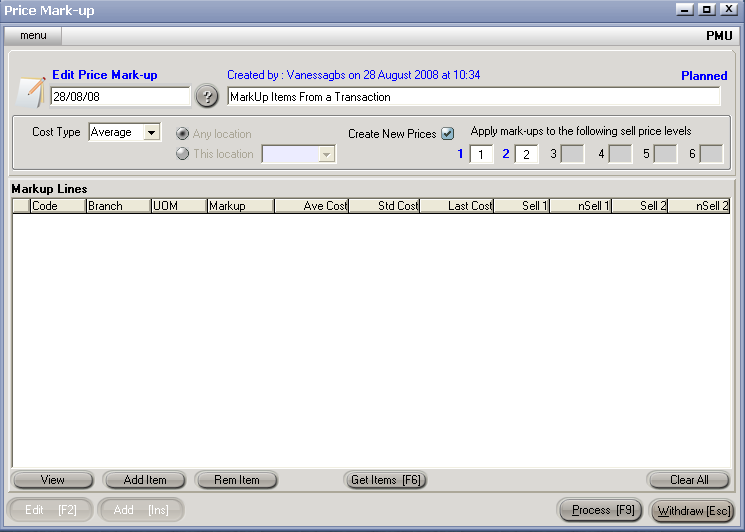
If just a few Items are required for Markup, they can be added manually.
Clicking the Add Item button will open the Item List screen, and a double click on an item will select that item.
Hit Process [F9] to create / update Sell Prices.
See Also
Select Items for Markup
Select Items from a Transaction
Select Items by Filter