


|
|
|
|
|
If you know the type and reference number of the transaction that contains items for Markup, hit Get Items [F6].
Use the left hand combo to select the transaction type, and enter the system reference in the box.
Hit Run, to select the Items.
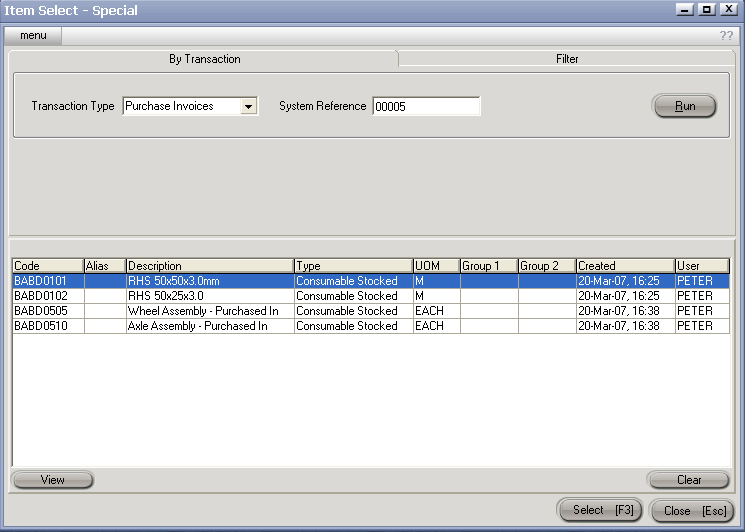
Hit Select [F3] to load the items onto the PMU.
Note: Unwanted Items can be manually removed prior to processing the PMU
Hit Process [F9] to create / update Sell Prices.