|
|
|
|
|


Production Requests
Production Scheduling begins with a Production Request.
A production request can be created manually using the <POR> screen (ie. build for stock), or, it can be generated automatically via a Sale Order.
Note: For automatic generation, Items must have a PRODUCTION Group attached (see Setting Up the Production Group ).

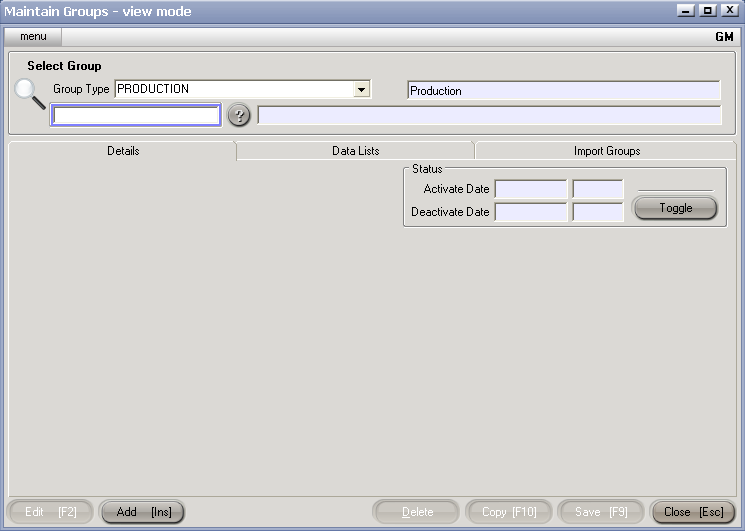
To manually create a Production Request, use the following process:
<POR> - this opens a new Production Order Request screen into which you enter thenrelevant information (ie. Item Code, Quantity etc).
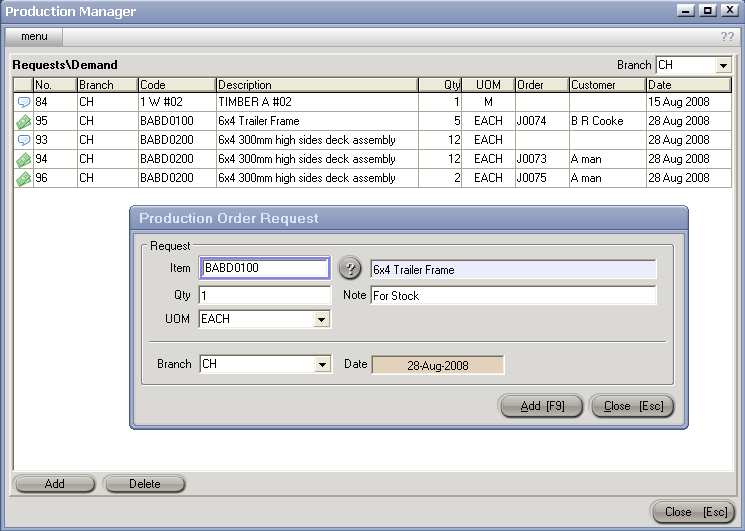
Hit Add [F9]
The new Production Request is now visible on the <POR> table.
The 'Speech Bubble' icon means that the Production Request was manually generated
The 'Dollar Note' icon means taht the Production Request was generated from a Sale Order, with the Order Ref and Customer being displayed.