Setting up the PRODUCTION Group
For Production Requests to be automatically generated from a Sale Order, the Item must have the PRODUCTION Group Added.
- Open the Group Maintenance Screen <GM>, and select the PRODUCTION Group Type
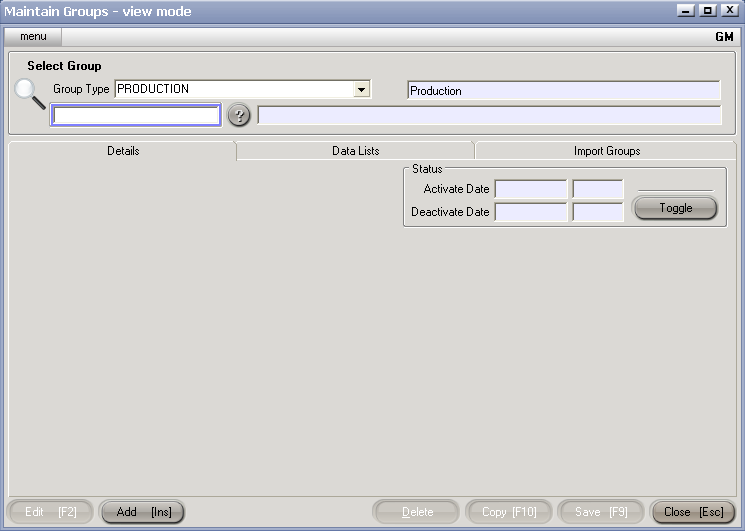
- If there are no groups to display - hit Add[Ins] to create a new one.
- Enter a Code and a description for the Group.
- Hit Save [F9] save changes to your PRODUCTION Group.


