|
|
|
|
|


Production Transaction <POT>
Production Demand (Requests) are transferred into Production Orders using the <POT> screen.
Create a new Production Order using <POT> (See Create a Transaction Header ), or edit an existing one (see Edit a Header).

Enter an appropriate Transaction Reference and Description if required
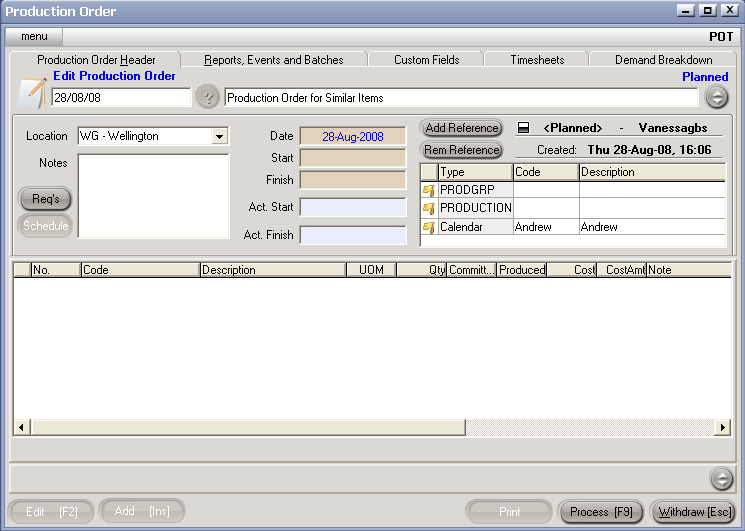
Hit Req's, and you will be presented with a 2 column screen.
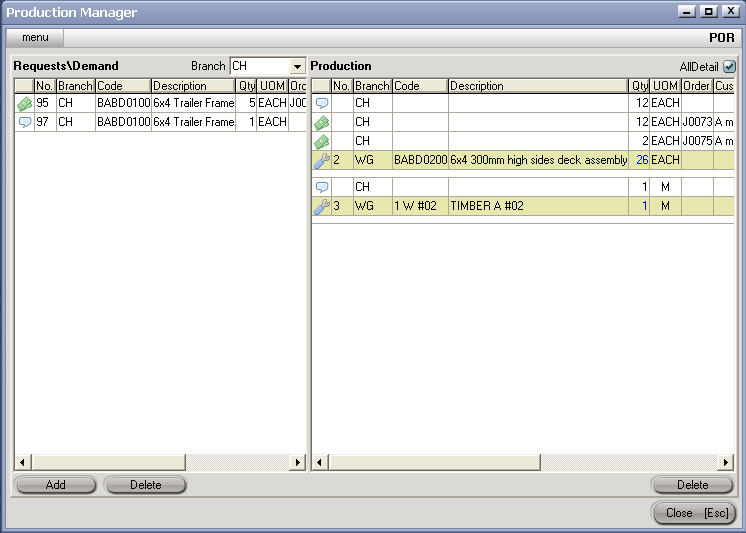
Production Requests are drawn from the left column onto the Production Transaction right column by double clicking the demand line on the left.
Note: multiple demand for the same item are consolidated onto a single line on the Production Order as shown for item BABD0200 below.