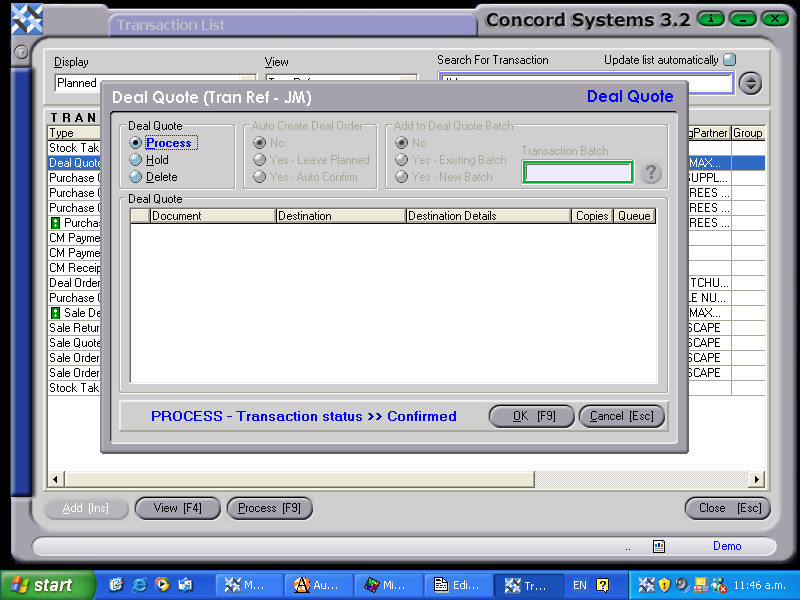
A Planned or Confirmed transaction may be edited through the Transaction List <TL> screen as follows:
Select the transaction to be Processed using the same method as in the section on 'Viewing' within this chapter.
If the transaction is not required to be viewed before Processing, click on Process [F9] as soon as the transaction has been highlighted, and proceed as follows:
Process, and Complete Immediately. The transaction will be unable to be edited.
Process and do not Complete Immediately. The transaction will be able to be edited by creating a version of the transaction.
Hold. The transaction will be held in a planned state, and will be able to be edited.
Delete.
To View the transaction before Processing, click on View [F4] and Process [F9] using the above steps.