


|
|
|
|
|
The procedure for entering a Sales Invoice for a non-stock item is as follows:
For regular customers, all details should have previously been set up under Customer Maintenance <CM>. For a new or rarely used customer, ensure that the Group Type for Tax and Currency have been set up correctly under <CM>.
(The invoice can be formatted further by selecting the 'Comment' option on another line, and entering in any relevant headings).
See below for a demonstration of the above procedure
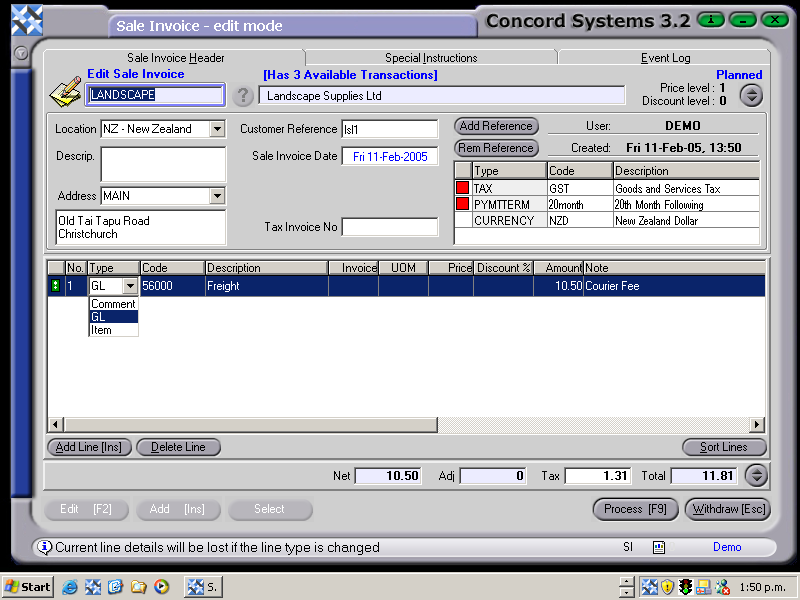
4. Process [F9] and select from the following options:
Debit Accounts Receivable (Debtors)
Credit GST
Credit Sales
And, also in this case,
Debit Discount Allowed
(NB. The Sales Invoice may also be cancelled at any time before processing [F9], by clicking on the Withdraw [Esc] button).
The invoice may be printed out before completing immediately, either to the screen or to a selected printer.