Adding a new Group
Before a new Group can be added, the Group Type must first be created. The procedure is as follows:
- Select a Parent Group Type. Click on the down arrow in the "Parent" box and select the appropriate Parent Account by clicking to highlight.
- Click on the ? button. This will provide a list of all Group Types already linked to the chosen Parent Account.
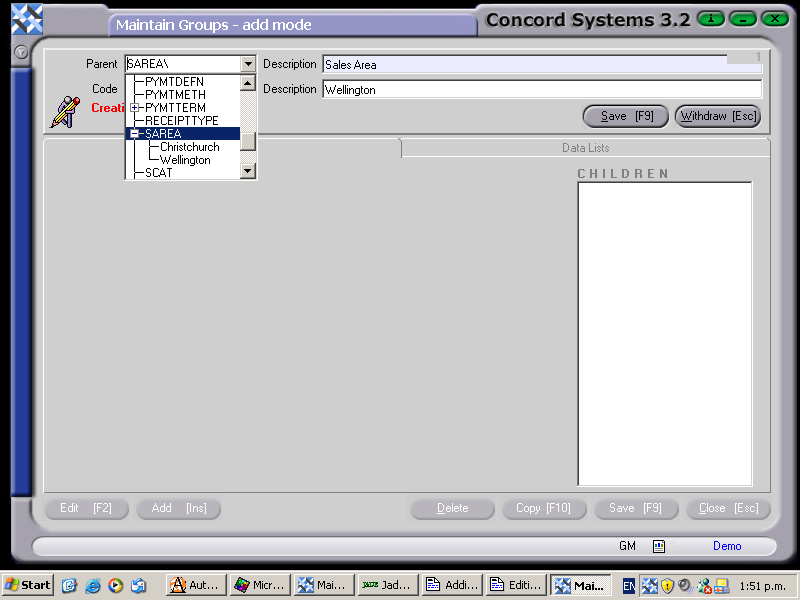
- Add [INS] to create a new Group Type.
- Code. Enter a short description of the new Group.
- Description: Enter in either a longer description, or the same description as in "Code".
- Save [F9].
- Withdraw [Esc].
- Close [Esc].
CHILDREN???????????????


