Editing an existing Group
The procedure for editing an existing Group is as follows:
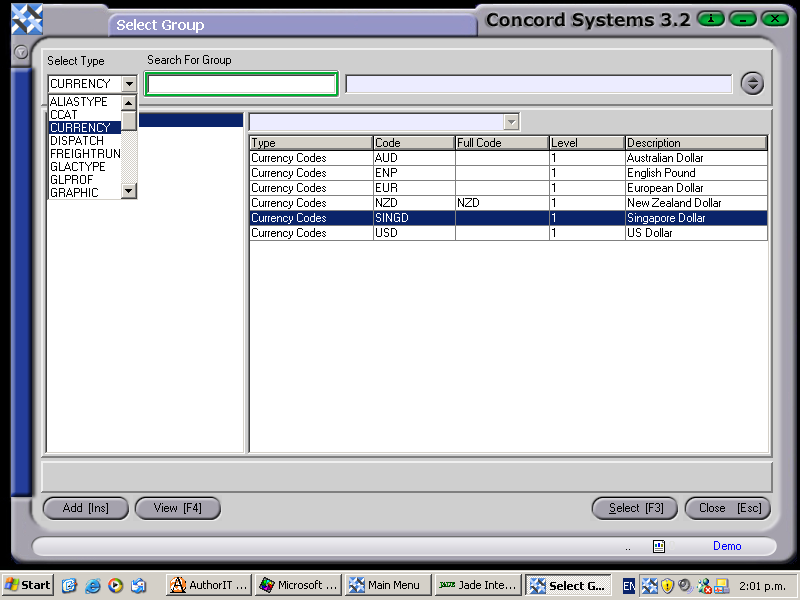
- Select the appropriate Group Type parent account by clicking on the down arrow button, then click to highlight and select.
- Click on the ? button for details of the Group Type to appear.
- Click on the appropriate group within the group table, to be selected.
- Select [F3].
- Edit [F2].
- Make the appropriate alterations to the description(s).
- Save [F9].
- Close [Esc].


