Previous Topic

Next Topic

Book Contents

Book Index

Editing an existing Job

The procedure for editing an existing Job is as follows:

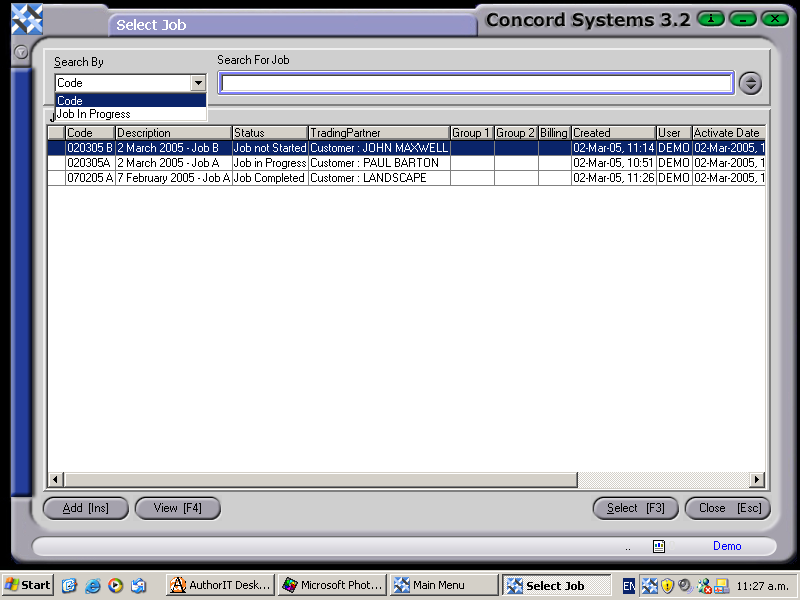
  1. Enter the Job code, or use the [up/down arrow keys] to scroll and select, or click on the ? button to view the Job List. Click to highlight and select [F3].

    CS Screenshot - linked

  2. Edit [F2].
  3. Change details as required.
  4. Save [F9].

See Also

Job Maintenance <JM>

Creating a new Job

Data Lists