|
|
|
|
|
Confirmed transactions can only be edited by creating a new version for the edits. The following dialog indicates that a new version will be created if the user continues with the Edit request.
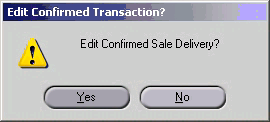
Once the edits are saved, that is, the new version of the transaction is processed from Planned to Complete, the old version is archived.
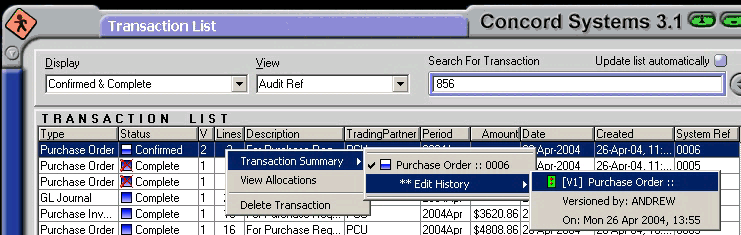
Old versions of a transaction are only accessible from the right click “Transaction Summary” menu. The screenshot below show the earlier version of a Purchase Order, the V column indicates the number of versions that have been created.