|
|
|
|
|
Viewing a confirmed transaction on its entry screen and then pressing the Edit [F2] button causes a new version of the transaction to be created.
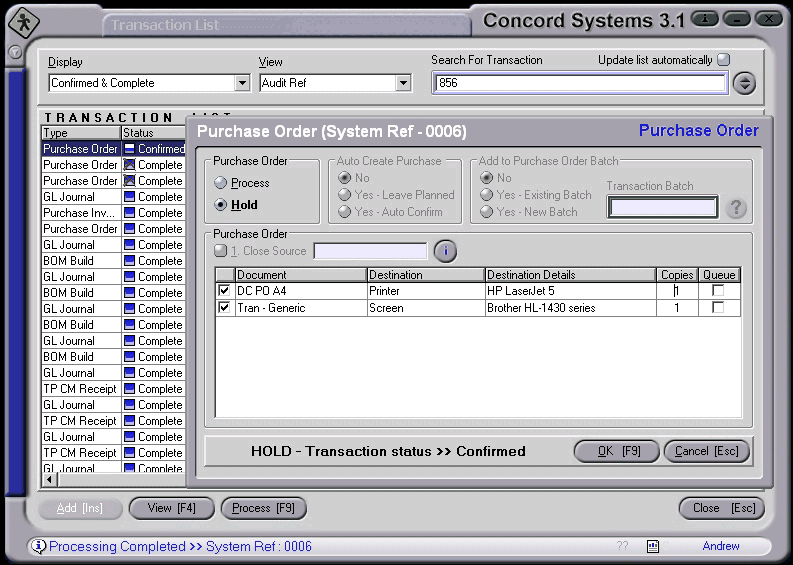
If a report re-print is all that is required then using the Process button found at the bottom of the Tran List screen is the best option. This screenshot shows the Processing screen opened for a Confirmed Purchase Order, you’ll notice that no actual processing is going to take place as Hold has been selected.