


|
|
|
|
|
The main screen is a Details header, with information such as the billing name and address, the default delivery address and a summary of any amounts owing by the customer.
There is also a Data Lists Screen, which is primarily available to view historical data relating to a customer. Such as
The third Financials screen is used to maintain data such as discount percentages, bank account details etc.
The method for entering a new customer under <CM> is as follows:
This establishes the customer record in the database.
The Address Maintenance screen will now automatically appear.
5. Create an address code, which is usually the main address of the customer, although you can create as many address codes as you wish, if the customer has say, a different postal address to the delivery address, or different warehouses for example.
(Depending on the configuration it may be necessary to define some references for the customer before the account can be activated).
Return to the details screen by clicking on DETAILS.
Activate the customer for use by clicking on Edit [F2] and clicking ACTIVATE, then Save [F9].
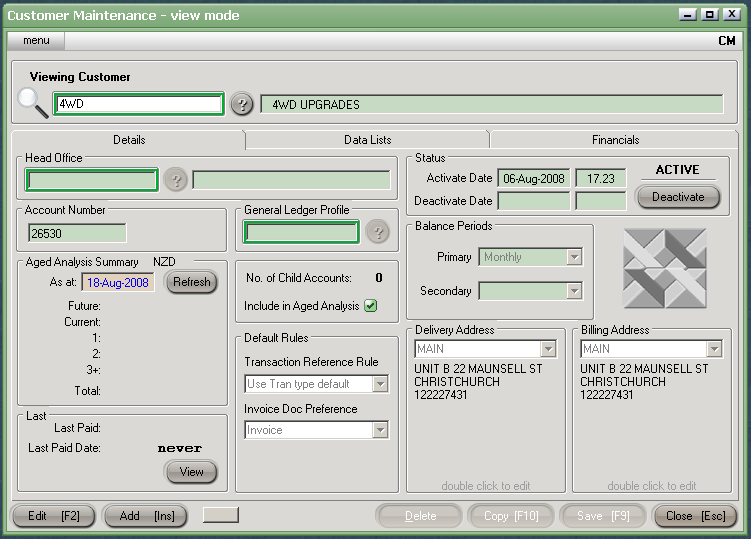
These are the instructions for entering the basic details for a new client. The Customer Maintenance function can be viewed in more detail, under the three headings, Details, Data Lists and Financials.