


|
|
|
|
|
If you open the stock take transaction after counts have been saved you will see the total of the counts that have been entered. You will also notice the Adj qty has been updated indicating the update that would be applied if the stock take were completed right now.
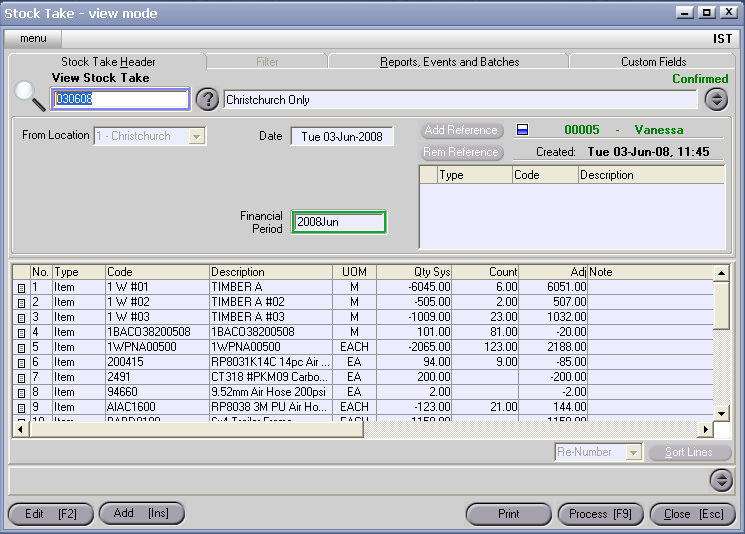
Once you are happy with the Stock Take adjustments simply Complete the Stock Take transaction.
The Completion step prevents any further counts being entered against the stock take, and can only take place once all existing counts have been Completed, that is, if a planned Count is hanging around it must be either deleted or Completed before the Stock Take can be Completed.