


|
|
|
|
|
The procedure for entering an Item Adjustment, is as follows:
This simply sets the line type of each new line created - line Type can be changed on a line-by-line basis, allowing both price and qty adjustments lines on the same Header.
The quantity and unit of measure of the item showing on hand will automatically appear once the item code has been entered.
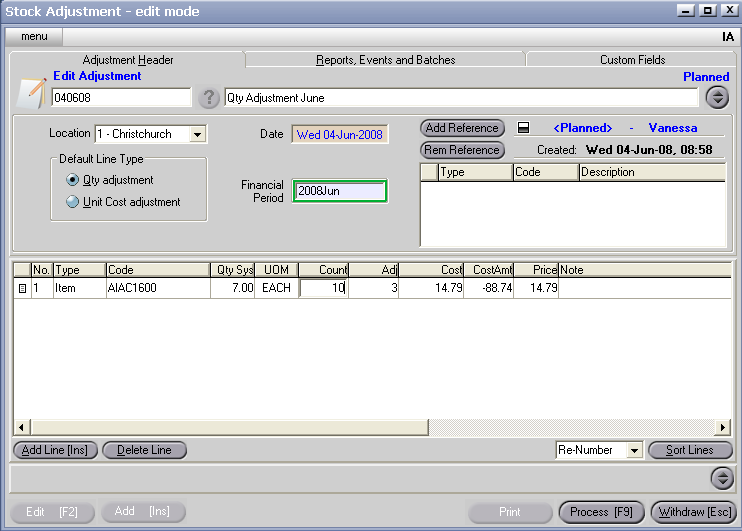
If further information is required to be entered, right click on the table headings, select columns, then click on the appropriate column heading to either add to or delete from your table headings).
8. Process [F9], and select Process, Hold or Delete (see Transaction Processing Options).
